




CUE is trusted by thousands of organizations

Why not just YAML or templates?

YAML and JSON hold your data, and templating tools produce more of it, but nothing checks the result. CUE does not replace them. It adds the rules your files must follow and checks every file against those rules, so mistakes show up before deployment, not in production.
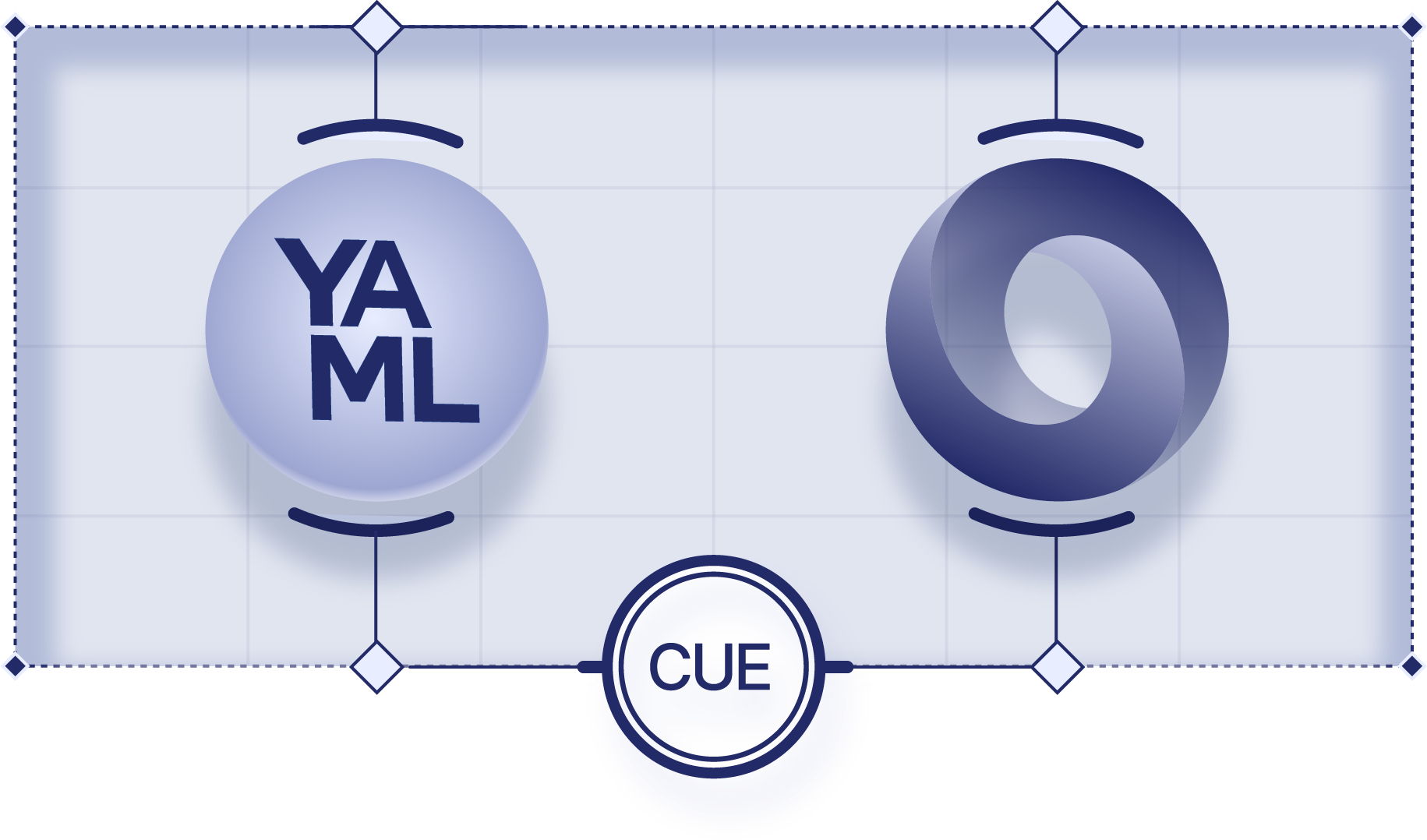
A YAML sphere and a JSON ring, each held in place, both connected to one CUE node

How CUE compares

Configuration isn’t code. Platform defaults, security limits, per-environment values, and each app’s own settings all shape the same deployment. Tools built on overrides decide which value wins, so the result depends on which layer came last. CUE combines the rules from every source, in any order, and stops you when two disagree.

    Jsonnet

    A data templating language that builds JSON by extending and overriding objects. It is dynamically typed, with no schemas; checks are hand-written assertions.

    In CUE, types and rules sit beside the values they govern, and rules from different teams combine instead of overriding each other.

    Pkl

    A typed configuration language with its own syntax. Modules build on each other by inheritance and amending, where later values override earlier ones.

    CUE has no inheritance: rules from any number of sources combine in any order. Valid JSON is already valid CUE, so you start from your files.

    Helm templates

    Go text templates that paste values into YAML. A chart’s optional values schema checks its inputs, not the manifests its templates produce.

    CUE works on structure, not text, and refuses to output configuration that breaks its rules. It can check Helm values and rendered manifests too.

    Kustomize

    Patches YAML in layers: a base plus an overlay per environment, applied in order, with later patches winning. Your own rules need a separate checker.

    In CUE, layers can’t silently override each other. They all hold at once, and a conflict is an error, not a surprise in production.

    OPA and Rego

    A separate policy language, typically used to check configuration after another tool has produced it.

    CUE defines, generates, and checks configuration in one language. The same rules shape your data and check it, and they read like the data they constrain.

    JSON Schema

    A vocabulary for describing and validating JSON data, itself written in JSON or YAML.

    CUE expresses the same constraints in a fraction of the lines: quicker for people to read, and fewer tokens for an AI to read or write.

Natively understands your existing configuration

Check existing files without rewriting them, and move to CUE one file at a time.

Your file types
YAML, JSON, JSON Schema, OpenAPI, Protobuf, and Go types in. YAML and JSON out.
Your tools
Kubernetes, CI pipelines, and anything that reads YAML or JSON.
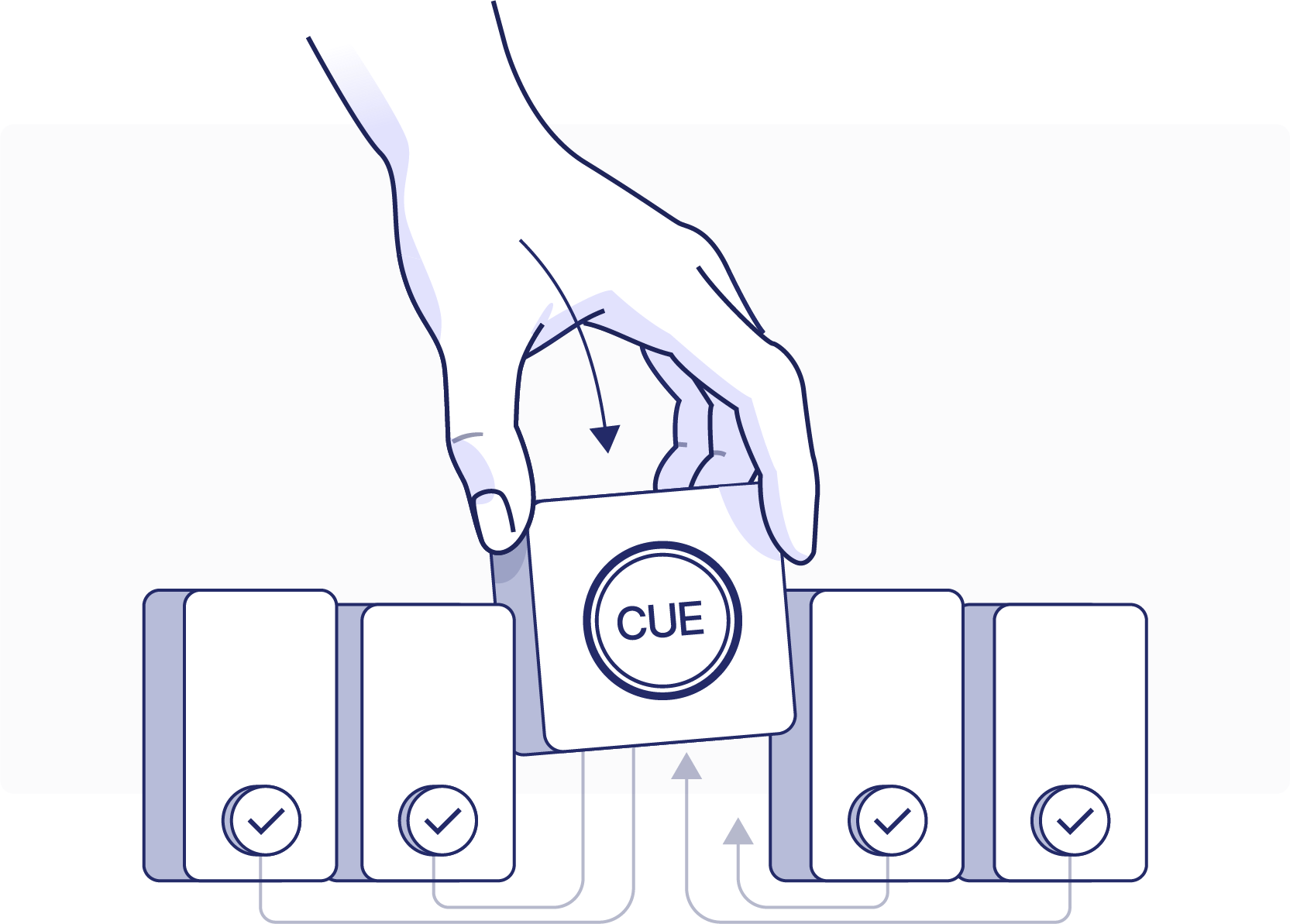
A hand slots a CUE card into a row of checked configuration files

Policy as code

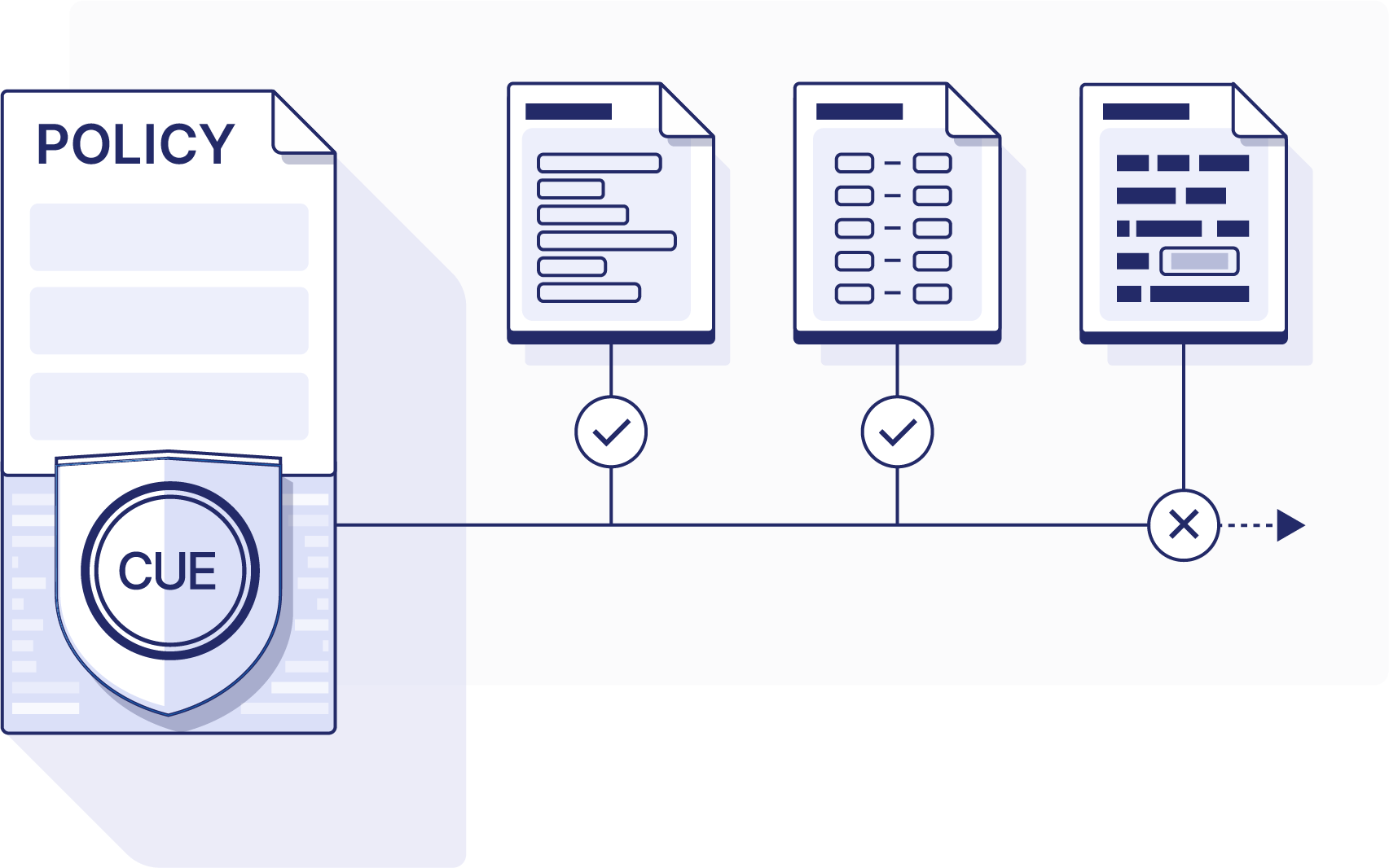
Write your organization’s policies as CUE rules: required fields, allowed values, limits, and naming. Every change is checked against them, on a laptop or in CI, and violations are reported before anything ships.

A policy document bearing a CUE shield checks three files: two pass, one is rejected

CUE and AI

Clear rules, instead of another LLM

Agents now write infrastructure, Kubernetes manifests, and CI pipelines. Their output looks plausible but is never 100% reliable, and there is more of it than people can review.

Reliable, not just probable

A second model can check the first, but its verdict is a probability. CUE’s is not: the same rules give the same answer, every time, and when a rule fails it says which one.

Mistakes surface late

A wrong value often passes tests and only fails in production, under load or in one region. CUE checks it the moment the change is written.

Rules agents can read

A CUE schema tells an agent what valid looks like. It runs cue vet, sees what broke, and fixes it before a person reviews the change.

Running in five minutes

Install CUE, write one rule, and check a file you already have.

    Step 1

    Install CUE

    Homebrew, a binary release, a container image, or a build from source. The install page lists every way to get the cue command.

    Step 2

    Write a rule

    Say what a valid service looks like.

    #Service: {
        name:     string
        replicas: int & >0 & <=10
    }

    Step 3

    Check your file

    CUE reports every value that breaks the rule.

    cue vet -d '#Service' \
        schema.cue service.yaml

Start with CUE

Install CUE, or talk to us about CUE at your company.

Install CUE